Play Training
Complete Campaign Details
Number of Guide Steps: 4
To begin the Sold Order Submission in Vision VX requires meticulous attention to detail. Before initiating the submission process, it is imperative to meticulously complete the Campaign Details screen, ensuring that all elements, from rates to dates, products, and sizes, are accurate and align with the campaign's objectives.
Before starting the Sold Order Submission, you must complete the Campain Details screen and ensure all rates, dates, products and sizes are correct.

- 1. Open Campaign Details
- 2. Complete All Product Details
- 3. Request Rate Adjustment (if needed)
- 4. Double Check and Verify
Open Campaign Details.
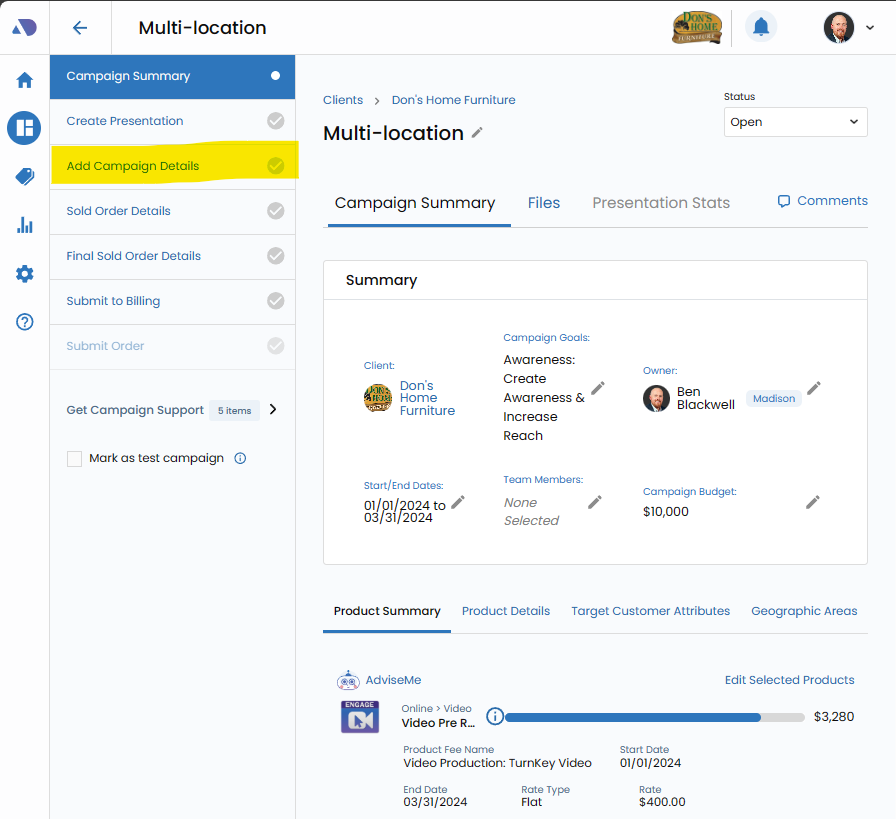
Begin the preparation process by navigating to the Campaign Screen. Click on the "Campaign Details" link located in the left-hand workflow. This action directs you to the central hub for fine-tuning every aspect of the campaign.
Complete All Product Details.
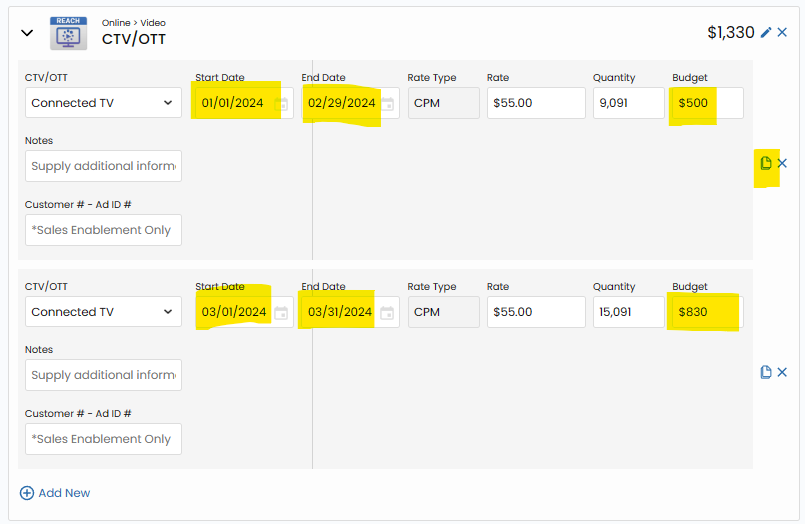
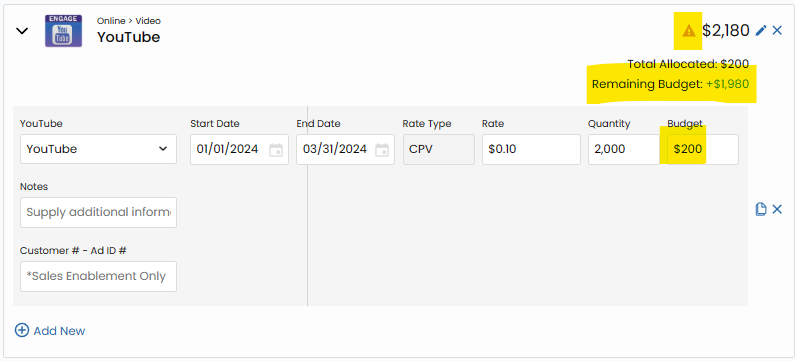
Thoroughly populate all product details within the Campaign Details screen. This includes crucial information such as start date, stop date, rates, and pricing. Each detail contributes to the overall accuracy and effectiveness of the campaign.
Request Rate Adjustment (if needed).
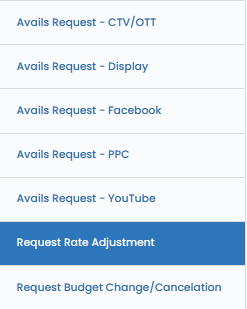
In cases where a rate adjustment is necessary for a product with uneditable rates, utilize the "Request Rate Adjustment" Campaign Support form. This ensures that any rate discrepancies are addressed promptly, maintaining transparency and accuracy in the campaign details.
Double Check and Verify.
Before proceeding, conduct a comprehensive review of all campaign details. Double-check each element to verify its accuracy. This final look serves as a crucial step to catch any potential errors and guarantee that the campaign details align seamlessly with the intended objectives.