Play Training
Use Dynamic Text
Number of Guide Steps: 3
Imagine a scenario where you have a presentation where showcasing real-time data is essential.
Specifically, you want to dynamically feature the client's name and the overarching goal of the campaign within the text elements.
The Dynamic Text Tool is the key to seamlessly infusing these dynamic properties into your presentation.

- 1. Highlight a Text Element
- 2. Dynamic Text Insert Button
- 3. Choose a Dynamic Text Element
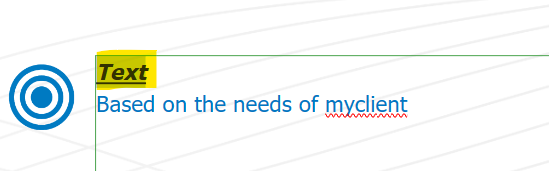
Highlight a Text Element.
To initiate the process, click on a text element within the presentation slide where you intend to incorporate dynamic content.
Dynamic Text Insert Button.
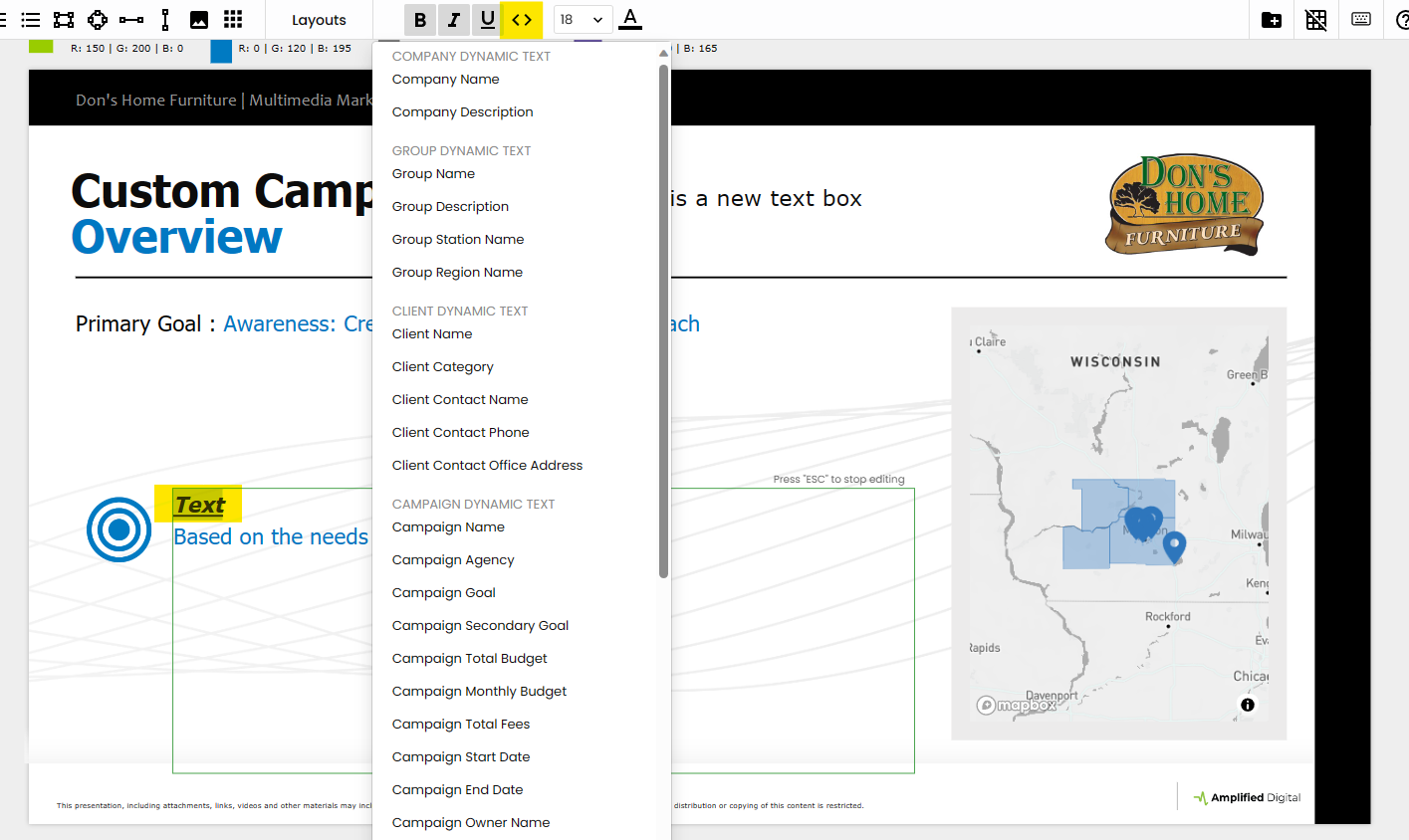
Within the Dynamic Text Tool, locate and click the dynamic text insert button. This action activates the tool's capabilities, setting the stage for the infusion of dynamic elements into your text.
Choose a Dynamic Text Element.
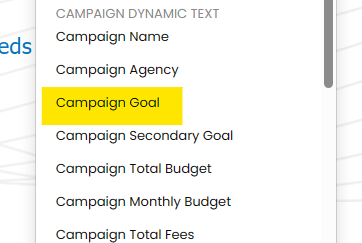
The subsequent step involves choosing a dynamic text element to add to the text field. Vision VX provides a range of options that correspond to real-time data from your campaign. In the example scenario, you might select "Client Name" and "Campaign Goal" as dynamic elements.
By following these steps, users harness the transformative power of the Dynamic Text Tool, ensuring that their presentations are not static entities but dynamic reflections of real-time campaign data.